

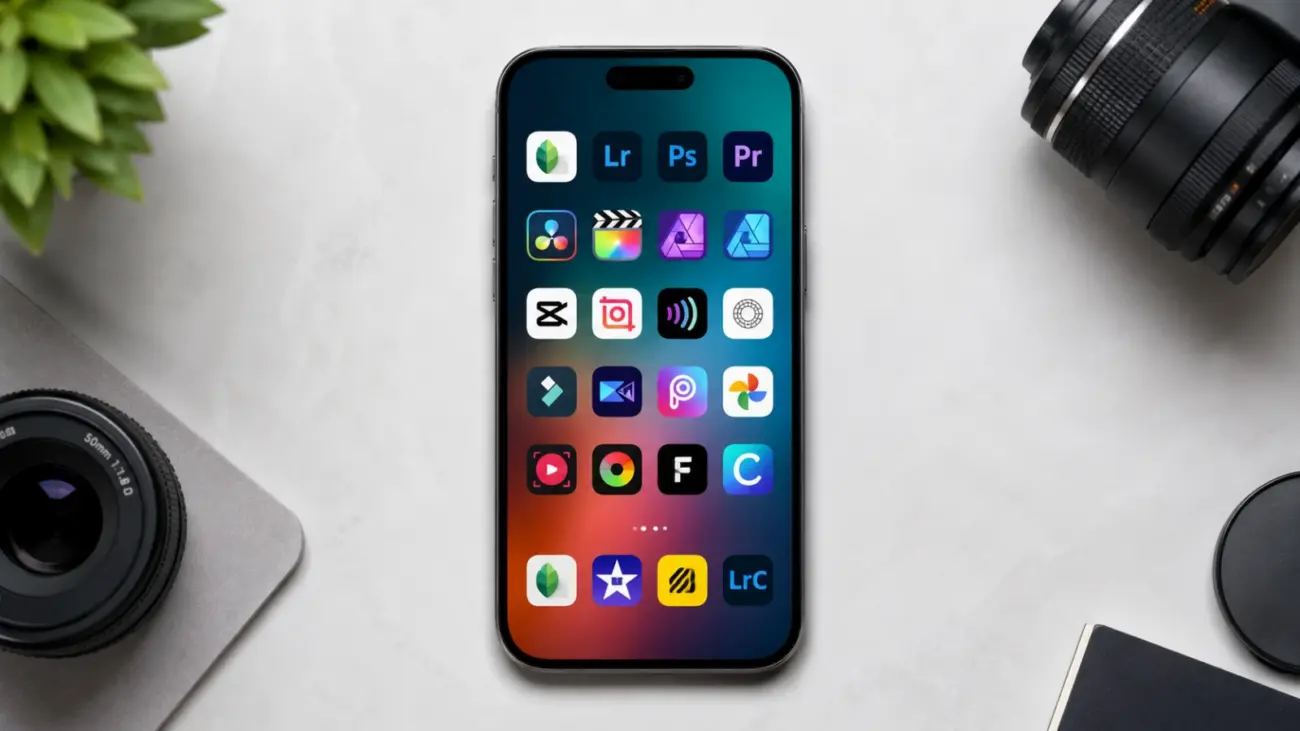
Picking the right AI editing app in 2026 is harder than it should be, mostly because every app now claims to use “AI” for everything from a basic crop to a full scene relight. In my testing across iOS, Android, and desktop over the past few weeks, the gap between apps that genuinely use AI well and apps that bolt on a gimmicky filter has never been wider. The best AI photo and video editing apps in 2026 are the ones that save real editing time, not the ones with the longest feature list.
This guide focuses only on tools that combine real AI capability with a workflow you can actually stick with, whether you are editing travel photos on a phone or cutting short-form video for a brand account. Every pick below is digital-only, works across multiple regions, and is something I have personally used or tested hands-on this year.
Table of Contents
Quick Comparison: Best AI Photo and Video Editing Apps 2026
| App | Best For | Platform | Starting Price | Standout AI Feature |
|---|---|---|---|---|
| Adobe Lightroom | Serious photo editing and RAW workflow | iOS, Android, Web, Desktop | $9.99/month | Generative Remove |
| Snapseed 4.0 | Free professional-grade photo editing | iOS, Android | Free | Real-time film simulation camera |
| Luminar Neo | One-time purchase photo editing | Windows, macOS, Mobile companion | $119 (perpetual) | Enhance AI one-slider edit |
| CapCut | Short-form video editing | iOS, Android, Windows, macOS, Web | Free / $9.99/month Standard | Magic Studio AI toolkit |
| Picsart | All-in-one photo, video, and design | iOS, Android, Web | Free / from $7/month annual | AI Replace and AI Expand |
| LumaFusion | Pro-level mobile video editing | iOS, Android (tablet-optimized) | One-time app purchase | Neural Multicam alignment |
1. Adobe Lightroom: Best for Serious Photo Editing
Adobe Lightroom remains the benchmark for anyone who wants professional-grade photo control without giving up mobile convenience. The Photography Plan starts at roughly $9.99 a month and bundles Lightroom, Lightroom Classic, Photoshop, and 20GB of cloud storage, which is still one of the stronger value packages in this category for what you get across desktop and mobile.
What makes Lightroom worth the subscription in 2026 is how far its AI tools have matured. Generative Remove cleans up distractions in a photo with a level of accuracy that used to require manual cloning. Adaptive AI presets can apply edits selectively to just the subject or just the background, and the AI-powered Lens Blur tool now produces bokeh effects that hold up even on busy backgrounds. In my testing, the subject-aware masking saved more time than any single feature I tried this year across competing apps.
The tradeoff is the subscription model itself. If you already shoot RAW regularly or need a cataloging system that scales past a few thousand images, Lightroom’s cloud sync and library tools justify the monthly cost. If you only edit casually, the free alternatives further down this list will likely cover your needs.
Pros and Cons
- Pros: Industry-standard RAW editing, strong generative AI tools, seamless mobile-to-desktop sync, Photoshop included in the same plan
- Cons: Subscription required with no permanent free tier, generative AI features run on a monthly credit allowance, heavier app size on mobile
Adobe Lightroom:
- Official website: https://www.adobe.com/products/photoshop-lightroom.html
- App Store: https://apps.apple.com/us/app/lightroom-ai-photo-editor/id878783582
- Google Play: https://play.google.com/store/apps/details?id=com.adobe.lrmobile
2. Snapseed 4.0: Best Free Photo Editor
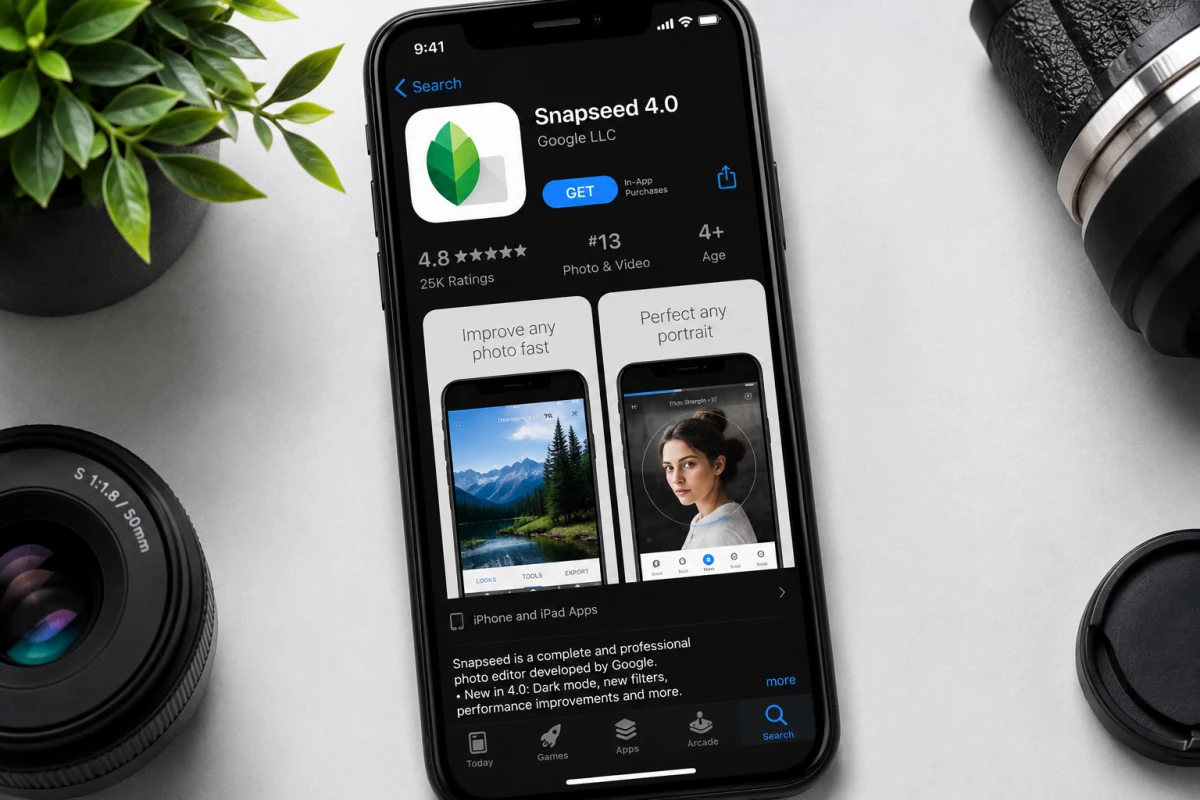
Snapseed quietly became one of the most talked-about photo apps in 2026 after Google rolled out version 4.0 in May, the first major Android update since 2024 and the first time Android and iOS landed on the same version simultaneously. The update brought non-destructive editing, batch processing, and a new camera mode that applies film simulations in real time as you shoot, similar to shooting with a preset baked into the lens.
The part that genuinely surprised me during testing is that none of this costs anything. Snapseed ships with more than 30 tools and filters, supports RAW and JPG editing, and has no ads, no subscriptions, and no watermarks anywhere in the app. New tools added in the 4.0 update include Dehaze, Color HSL, Bloom, and Halation, all of which used to be the kind of fine-grained controls you would only find in paid desktop software.
For a tech site audience that wants Lightroom-level editing without paying for it, Snapseed 4.0 is the easiest recommendation in this entire guide. It will not replace Lightroom’s cataloging or cloud sync for a working photographer, but for everyday editing it is hard to justify paying for anything else first.
Pros and Cons
- Pros: Completely free with zero ads or watermarks, supports RAW files, real-time film simulation camera, healing brush and selective editing rival paid apps
- Cons: No desktop version, no cloud backup or sync across devices, limited batch organization compared to Lightroom’s library
Snapseed 4.0:
- App Store: https://apps.apple.com/us/app/snapseed-photo-editor/id439438619
- Google Play: https://play.google.com/store/apps/details?id=com.niksoftware.snapseed
3. Luminar Neo: Best One-Time Purchase Option

Luminar Neo is built for people who are tired of monthly software bills. Skylum sells a perpetual desktop license starting around $119, which includes a year of updates and full access to the AI toolset, including Enhance AI, Sky AI, Relight AI, and the generative tools for object removal and replacement.
In my testing, Enhance AI stood out as the fastest single-slider edit I have used across any app this year. It intelligently adjusts contrast, saturation, and detail in one move, which makes it genuinely useful for quickly prepping images for a blog post or social upload. The catch with the perpetual license model is that major new AI features sometimes arrive as paid add-ons or require an annual pass to keep using past the first year, so “lifetime” really means lifetime access to the version you bought, not every future update.
Luminar Neo works as a standalone app or as a plugin inside Photoshop and Lightroom, which makes it a reasonable middle-ground purchase if you want strong AI tools without committing to a permanent subscription.
Pros and Cons
- Pros: One-time purchase avoids recurring fees, Enhance AI delivers fast one-click results, works as a Photoshop and Lightroom plugin, includes mobile companion app
- Cons: Generative AI tools often need an annual pass after the first year, no native cloud sync, demands stronger hardware than lighter apps on this list
Luminar Neo:
- Official website: https://skylum.com/luminar-neo
- Download/pricing page: https://skylum.com/luminar-download
4. CapCut: Best for Short-Form Video Editing
CapCut has grown into the default video editor for anyone making content for Instagram Reels, TikTok, or YouTube Shorts, and the free version remains genuinely complete. There are no locked timeline tracks and no watermark on standard exports, which is rare among free video editors.
The free plan includes AI Auto-Edit, auto captions, and an AI effects generator, though all three are capped on monthly usage. Upgrading to CapCut Pro at $19.99 a month unlocks 4K export, the full Magic Studio AI toolkit, 1TB of cloud storage, and 1,200 AI points a month for tasks like background replacement, voice cloning, and camera tracking. According to CapCut’s own published figures, Pro users spend roughly a third less time per edit thanks to AI automation, which tracks with how much faster auto-captioning and scene detection felt during my own testing.
If you only edit a couple of short videos a week, the Standard tier at $9.99 a month, which simply removes the watermark and unlocks 1080p export, may be all you need before jumping to the full Pro plan.
CapCut restructured its pricing tiers in early 2026, so the plan names and AI credit limits referenced here may shift again later in the year. Always confirm current pricing on CapCut’s official site before subscribing.
Pros and Cons
- Pros: Free tier has no watermark and no locked tools, fast AI auto-editing and captioning, available across mobile, desktop, and web, huge template library
- Cons: AI credits run out quickly for heavy users on Pro, pricing varies by platform and region, recent price increase moved core AI tools to the higher tier
CapCut:
- Official website: https://www.capcut.com/
- App Store: https://apps.apple.com/app/capcut-video-editor/id1500855883
- Google Play: https://play.google.com/store/apps/details?id=com.lemon.lvoverseas
5. Picsart: Best All-in-One Creative Suite
Picsart earns its spot here by covering photo editing, video editing, and graphic design inside a single app, which matters if you are creating content across multiple formats without wanting three separate subscriptions. AI Replace lets you swap out objects in a photo just by highlighting and describing the change, while AI Enhance automatically sharpens detail and reduces noise.
Pricing has shifted around in 2026, with Pro plans reported anywhere from roughly $7 to $20 a month depending on billing cycle and region, so it’s worth checking the official pricing page before committing. The free tier is usable for casual editing, but exports carry a watermark and advanced AI tools sit behind the paid tiers. For solo creators currently paying separately for a design app, a video editor, and a background-removal tool, consolidating into one Picsart subscription can work out cheaper overall.
Pros and Cons
- Pros: Combines photo, video, and design tools in one app, AI Replace and AI Expand are genuinely fast, available on mobile, web, and desktop, can replace multiple single-purpose subscriptions
- Cons: Free tier has watermarks and ad interruptions, advanced AI features are credit-limited even on paid tiers, can feel cluttered for users who only need one specific tool
Picsart:
- Official website: https://picsart.com/
- App Store: https://apps.apple.com/app/picsart-photo-video-editor/id587366035
- Google Play: https://play.google.com/store/apps/details?id=com.picsart.studio
6. LumaFusion: Best for Pro Mobile Video Editing

LumaFusion has long been the choice for editors who want a real multi-track timeline on a phone or tablet instead of a simplified mobile interface. Its 2026 update added Neural Multicam, which uses AI to automatically align footage from up to six camera angles by analyzing both the audio waveform and visual landmarks in each clip, a task that used to take manual syncing in a desktop editor.
This is the app I would point event videographers and wedding shooters toward specifically, since the AI Scene Detection feature can chop hours of raw footage into logical segments automatically. It is a one-time app purchase rather than a subscription, which fits well alongside Luminar Neo if your goal is to avoid recurring software costs altogether.
Pros and Cons
- Pros: True multi-track timeline on mobile, Neural Multicam saves significant manual syncing time, one-time purchase with no subscription, strong performance on the latest tablet chips
- Cons: Steeper learning curve than simplified apps like CapCut, tablet-optimized experience means smaller phone screens feel cramped, fewer viral templates compared to CapCut or Picsart
LumaFusion:
- Official website: https://luma-fusion.com/
- App Store: https://apps.apple.com/app/lumafusion/id1062001924
- Google Play: https://play.google.com/store/apps/details?id=com.luma.touch.lumafusion
How to Choose the Right App for You
If your priority is professional photo quality and you don’t mind paying monthly, Adobe Lightroom is still the safest long-term choice. If you want the same caliber of editing for free, Snapseed 4.0 has closed most of the gap this year. For video, CapCut covers short-form content better than almost anything else available, while LumaFusion is the stronger pick once your project needs a real multi-camera timeline. Picsart is worth considering only if you specifically need photo, video, and design tools combined in one place rather than picking the single best tool for each task.
Frequently Asked Questions
Is Snapseed really free with no hidden costs in 2026?
Yes. Snapseed 4.0 has no ads, no subscriptions, no in-app purchases, and no watermarks on exported photos. Google has maintained it as a fully free app since acquiring it in 2012.
Which app is better for beginners, CapCut or Picsart?
CapCut is easier to start with for short-form video specifically, thanks to its template-driven workflow. Picsart is a better fit if you also need photo editing and graphic design tools in the same app rather than video alone.
Does Luminar Neo’s lifetime license really last forever?
The perpetual license gives you permanent access to the version you purchase along with one year of included updates. Major future AI features released after that year sometimes require a paid upgrade or annual pass to unlock.
Can I use Adobe Lightroom without a subscription?
No. Lightroom is only available through Adobe’s subscription plans, starting at around $9.99 a month for the base Photography Plan. There is no permanent one-time purchase option as of 2026.
Related Guides
- Best Free Software of 2026 That Replaces Expensive Paid Apps
- Best VPN Services in 2026: Which One Protects You?
- Best Camera Phones Under Rs 30,000 in India
- Best Phones Under Rs 15,000 in India Right Now 2026
Discover more from iTechnoGlobe
Subscribe to get the latest posts sent to your email.
